Delay in Deluge (Zoho Creator): Safe Wait Patterns
Thu Oct 30 2025
Deluge · Wait/Delay
Delay in Deluge (Zoho Creator): Safe Wait Patterns
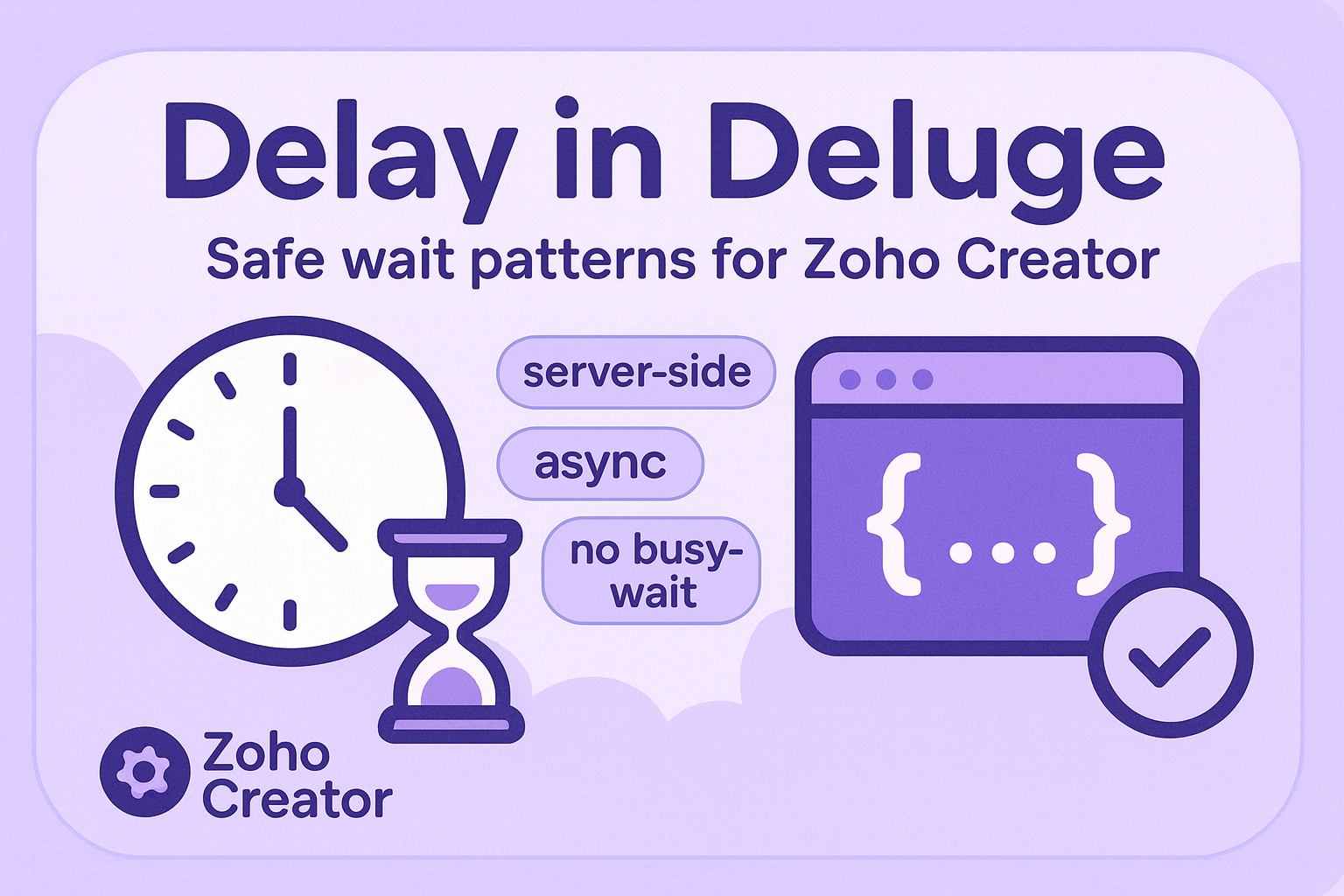
There’s no built-in sleep() in Deluge. When you truly need a short, server-side pause ( an API needs 5–10 seconds to finish processing before you check status), use a Java Function in Zoho Creator and call it from Deluge — instead of risky busy-wait loops.
Good choices
- Short waits via Java Function in Creator
- Poll after a pause for “eventually ready” APIs
- Prefer webhooks / schedules for long delays
Don’t do this
- Busy-wait loops or fake delays in Deluge
- Very long sleeps (respect function timeouts)
- Blocking CRM Deluge hoping for
sleep()(not supported)
The idea: delegate the wait to a Java Function
Zoho Creator lets you deploy Java functions and invoke them from Deluge (thisapp.YourFn(...)). Below is a minimal wait utility that sleeps for a number of seconds. It chunks long waits internally so you avoid a single oversized Thread.sleep call.
import com.zoho.cloud.function.Context;
import com.zoho.cloud.function.basic.BasicIO;
import com.zoho.cloud.function.basic.ZCFunction;

public class Wait implements ZCFunction {
    @Override
    public void runner(Context context, BasicIO basicIO) throws Exception {
        String raw = (String) basicIO.getParameter("seconds");
        long seconds = 0L;
        try { if (raw != null) seconds = Long.parseLong(raw.trim()); } catch (Exception ignore) {}

        if (seconds > 0L) {
            long maxChunk = 18L;
            long full = seconds / maxChunk;
            long rem  = seconds % maxChunk;

            for (long i = 0; i < full; i++) { Thread.sleep(maxChunk * 1000L); }
            if (rem > 0L) { Thread.sleep(rem * 1000L); }
        }
        basicIO.write("{"ok":true,"slept":" + seconds + "}");
    }
}
Deploy steps (Creator)
- Create a new Java Function in Zoho Creator named
Wait. - Upload the compiled class / JAR (or paste in the editor, depending on your setup).
- Expose one parameter named
seconds(string). - Save & publish. Note the function name shown in Creator.
Call it from Deluge
From any Creator workflow or function:
// Basic usage
resp_str = thisapp.Wait("10");             // sleep ~10 seconds
resp_map = resp_str.toMap();               // {"ok":true,"slept":10}
info resp_map.get("slept");                // 10
Two-phase API example (request → wait → check)
Many APIs accept a job and need a few seconds to process. Here’s a clean pattern to request, wait, then poll for the result:
// 1) Submit work
submit = invokeurl
[
    url: "https://api.example.com/jobs"
    type: POST
    parameters: { "payload": input.payload }
    connection: "example_conn"
];
job_id = submit.get("id");

// 2) Pause briefly (server-side, safe)
thisapp.Wait("10");

// 3) Poll status
status = invokeurl
[
    url: "https://api.example.com/jobs/" + job_id
    type: GET
    connection: "example_conn"
];

if (status.get("state") == "done")
{
    result = status.get("result");
    // ...continue
}
else
{
    // handle still-processing: enqueue a retry, notify user, etc.
}
When not to wait
- Long gaps (minutes/hours): use webhooks or time-based schedules.
- High-traffic flows: don’t block a request thread if you can switch to async/event-driven.
Return value & parsing
The function returns JSON like {ok:true,slept:10}. Parse with toMap():
r = thisapp.Wait("5");
m = r.toMap();
if (m.get("ok") == true)
{
    info "Slept " + m.get("slept") + " seconds";
}
Troubleshooting
- Timeouts: keep waits short and within your environment’s function limits.
- Class not found: confirm the class is
publicand named exactlyWait. Rebuild/reupload the JAR if needed. - Invalid seconds: pass a numeric string (
"10"). Non-numeric input is treated as0.