COQL vs Search Records in Zoho CRM — Limits, Speed, and When to Use Each
Sat Jan 18 2025
Zoho CRM · Query Design
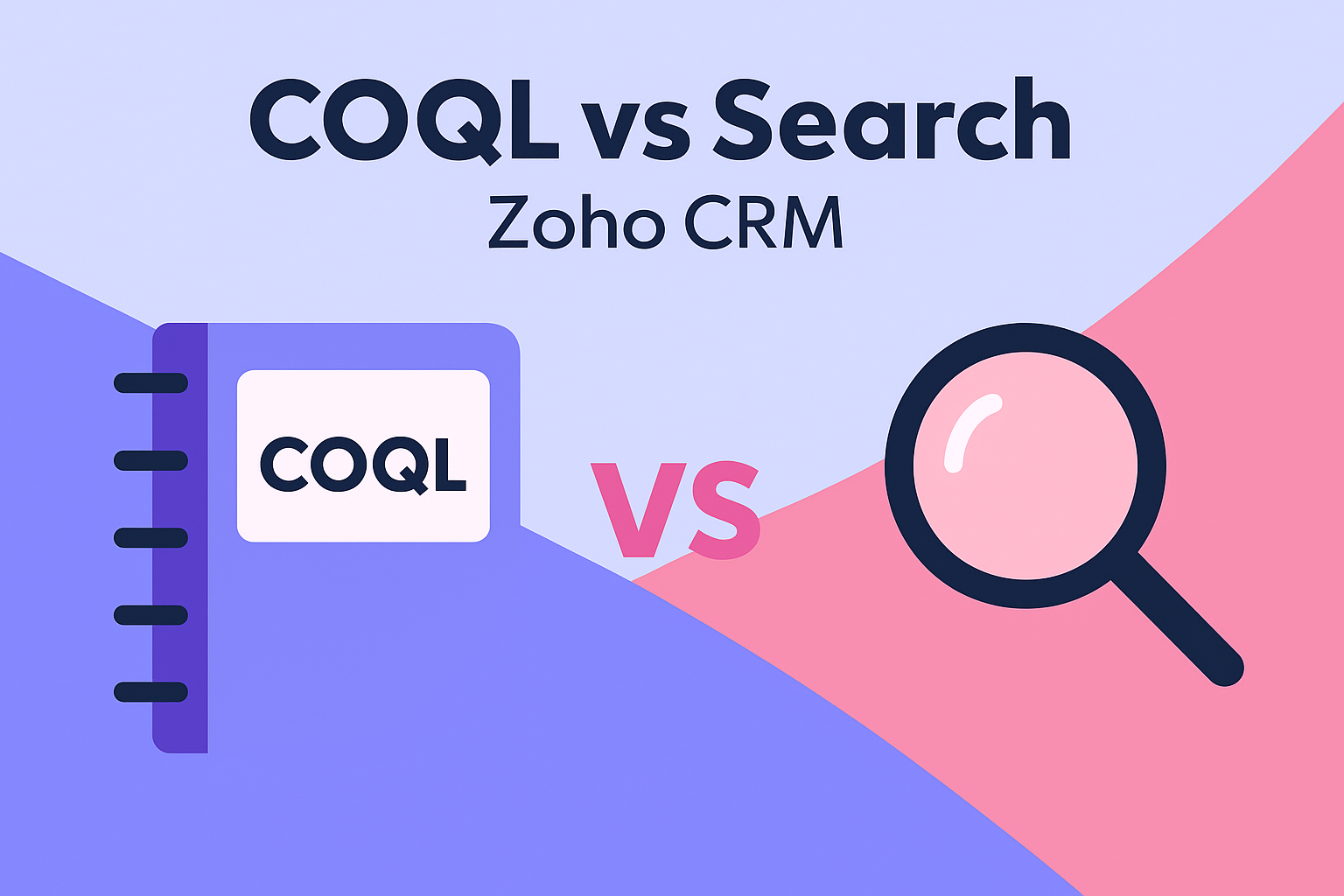
COQL vs Search Records in Zoho CRM — Limits, Speed, and When to Use Each
Developers often ask whether to use COQL or the CRM Search Records API. This guide compares limits, performance, pagination, and real-world patterns so you can pick the right tool.
Choose COQL when…
- You need precise filters (AND/OR, ranges) and select only specific fields.
- You want fewer, denser network calls (select only what you need).
- You can work within row and field caps per query.
Choose Search Records when…
- You’re doing keyword/criteria searches supported by the endpoint.
- You need straightforward pagination (page/per_page) over large sets.
- You want to avoid COQL’s field cap and fetch many fields/schema defaults.
Key differences at a glance
- API shape: COQL executes a SQL-like
select_query. Search Records takes query params/criteria and returns records with default field sets unless you specify fields. - Limits: COQL typically returns up to 200 rows and supports
limit <offset>, <count>. Search Records uses page/per_page(often up to 200 per page). - Performance: For complex filters where you only need a handful of columns, COQL can be effectively faster because you transfer less JSON. For wide objects or fuzzy searches, Search Records is often simpler and comparable.
- Deluge vs REST: Use Deluge CRM tasks if they cover your use case; otherwise call REST via
invokeurlfor COQL or advanced search.
COQL examples (REST via invokeurl)
Fetch only the fields you care about from Leads, up to 200 rows:
// COQL (REST) via invokeurl in Deluge — single page
body = {
  "select_query": "select Last_Name, Email, City from Leads where City = 'Dubai' limit 200"
};

resp = invokeurl
[
  url        : "https://www.zohoapis.com/crm/v8/coql"
  type       : POST
  parameters : body
  connection : "zoho_crm_all"
];

// Null-safe reads
rows = ifNull(resp.get("data"), list());
for each r in rows
{
  email = ifNull(r.get("Email"), "");
  // ...
}
COQL pagination:
// Fetch up to 10,000 rows (50 × 200). Adjust repeats for more/less pages.
// Uses "limit <offset>, 200" and stops when info.more_records == false.

repeats   = repeat(",", 49);     // 49 commas => 50 iterations in toList()
offset    = 0;
iteration = 0;
all_rows  = list();

for each r in repeats.toList()
{
  q = "select id, Last_Name, Email from Leads where City = 'Dubai' limit " + offset + ", 200";
  body = {"select_query": q};

  resp = invokeurl
  [
    url        : "https://www.zohoapis.com/crm/v8/coql"
    type       : POST
    parameters : body.toString()
    connection : "zoho_crm_all"
  ];

  data = ifNull(resp.get("data"), list());
  all_rows.addAll(data);

  // Early stop when server indicates no more pages
  if (response.getJSON("info").getJSON("more_records") == false)
  {
    break;
  }

  iteration = iteration + 1;
  offset    = iteration * 200;   // next page offset
}

info "Total fetched via COQL: " + all_rows.size();
Tips: COQL strings require single quotes around values. Keep field lists reasonable to avoid errors and reduce payload size.
Search Records examples (REST via invokeurl)
Keyword/criteria search with simple pagination:
// Make sure of scope=ZohoSearch.securesearch.READ

// Search Records (page/per_page)
per_page = 200;
page     = 1;

params = {
  "criteria": "(City:equals:Dubai)",
  "page"    : page,
  "per_page": per_page
};

resp = invokeurl
[
  url        : "https://www.zohoapis.com/crm/v8/Leads/search"
  type       : GET
  parameters : params
  connection : "zoho_crm_all"
];

rows = ifNull(resp.get("data"), list());
Search pagination (bounded loop + early break):
// Up to 10,000 rows (50 × 200). Increase repeats for more.
repeats   = repeat(",", 49);
per_page  = 200;
page      = 1;
all_rows  = list();

for each _ in repeats.toList()
{
  urlStr = "https://www.zohoapis.com/crm/v8/Leads/search?page=" + page.toString() + "&per_page=" + per_page.toString() + "&criteria=(City:equals:Dubai)";

  resp = invokeurl
  [
    url        : urlStr
    type       : GET
    connection : "zoho_crm_all"
  ];

  data = ifNull(resp.get("data"), list());
  all_rows.addAll(data);

  infoMap = ifNull(resp.get("info"), Map());
  more    = infoMap.get("more_records");

  // Stop when server says no more, or last page shorter than per_page
  if ((more != null && more == false) || data.size() < per_page)
  {
    break;
  }

  page = page + 1;
}

info "Total fetched via Search: " + all_rows.size();
Choosing by use case
- Dashboards/light reads: need a few columns with precise filters → COQL.
- Bulk/wide records: want many fields, okay with multiple pages → Search.
- Hybrid: COQL to get IDs + key columns, then fetch full details in chunks.
Common limits & guardrails
- Rows per call: COQL ≈ 200; Search
per_page≈ 200. - COQL fields: keep field list reasonable (commonly ~50).
- Rate limits (429): add retries/backoff in your calling layer if you hit quotas.
- Null-safety: wrap reads with
ifNullin Deluge.
Hybrid pattern: COQL + detail fetch
// 1) COQL to narrow set (IDs + a few columns)
body = {"select_query":"select id from Deals where Stage = 'Closed Won' limit 200"};
coql = invokeurl
[
  url        : "https://www.zohoapis.com/crm/v8/coql"
  type       : POST
  parameters : body.toString()
  connection : "zoho_crm_all"
];

ids = List();
for each id in coql.get("data").toList() {
      ids.add(id.get("id));
}

// 2) Fetch details one-by-one
details   = list();

for each rid in ids_list
{
  resp = invokeurl
  [
    url        : "https://www.zohoapis.com/crm/v8/Deals/" + rid
    type       : GET
    connection : "zoho_crm_all"
  ];
  if(resp.get("data") != null) { details.add(resp.get("data") }
}
SEO mini-FAQ
- “Is COQL faster than Search?” Often, if you select fewer fields and return less JSON.
- “Max records per COQL call?” Typically 200 rows. Paginate with offset/count.
- “When to avoid COQL?” When you need many fields from wide layouts or fuzzy search.