Zoho CRM: Trigger Workflows & Assignment Rules from Deluge
Wed Jan 22 2025
Zoho CRM · Automation
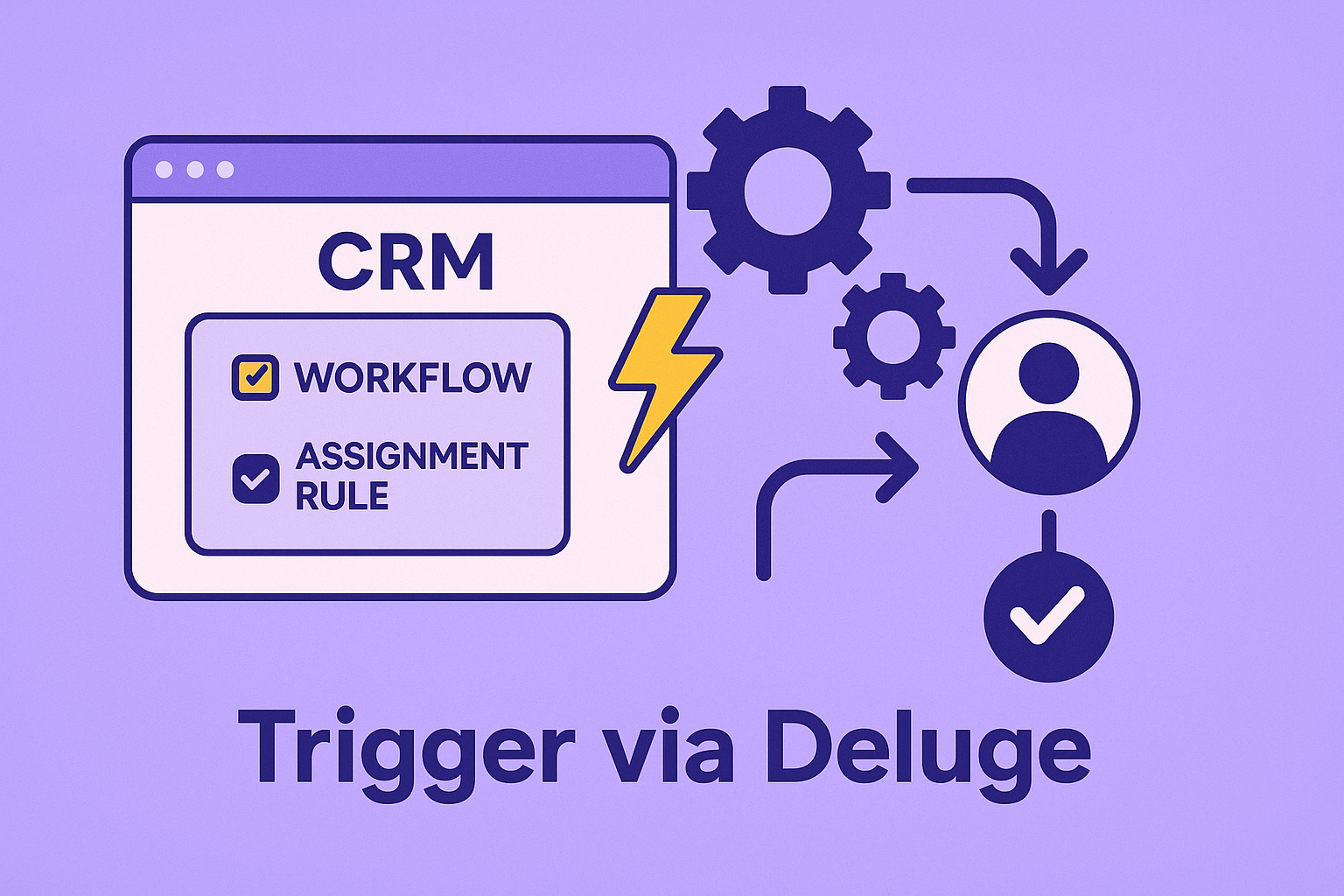
Trigger Workflows & Assignment Rules from Deluge
How to trigger workflow/approval/blueprint and assignment ruleswhen creating or updating CRM records — using both Deluge tasks and raw REST (invokeurl).
Use Deluge tasks when…
- You’re inside Creator/CRM functions and want simpler auth via Connections.
- You need to pass the
triggerflags and (optionally) an assignment rule ID.
Use invokeurl when…
- You want fine control over headers/params or you’re mixing with other APIs.
- You’re orchestrating bulk or special cases not exposed as Deluge tasks.
Trigger workflows/approval/blueprint via Deluge tasks
// Create Lead and trigger workflow + approval + blueprint
lead = Map();
lead.put("Last_Name", "Nasser");
lead.put("Company", "Skyline LLC");

triggers = Map();
triggers.put("trigger", {"workflow","approval","blueprint"}); // <— flags

resp = zoho.crm.createRecord("Leads", lead, triggers);
info resp;

// Update + trigger workflow only
updateMap = Map();
updateMap.put("Phone", "971-4-555-1212");

resp2 = zoho.crm.updateRecord("Leads", resp.get("id").toLong(), updateMap, {"trigger":{"workflow"}});
info resp2;
Fire an Assignment Rule (e.g., for Leads)
Pass the assignment rule ID using lar_id along with the trigger flags.
lead2 = Map();
lead2.put("Last_Name","Hana");
lead2.put("Company","Nova Trading");

// IMPORTANT: replace with your real Assignment Rule ID
ruleId = "1234567890123456789";

params = Map();
params.put("trigger", {"workflow"}); // workflow still fires
params.put("lar_id", ruleId);        // <— assignment rule

resp3 = zoho.crm.createRecord("Leads", lead2, params);
info resp3;
Notes: The Assignment Rule must be active and applicable to the module (commonly Leads). If you explicitly set
Owner on the record, the assignment rule may not reassign it.Doing the same with REST (invokeurl)
Use your correct data center host (www/eu/in/au/jp.zohoapis.com) and a CRM connection.
row = Map();
row.put("Last_Name","Rayan");
row.put("Company","Vertex Co.");

rows = List(); rows.add(row);
body = Map(); body.put("data", rows);

// triggers via query param; add lar_id to fire assignment rule
ruleId = "1234567890123456789";
urlStr = "https://www.zohoapis.com/crm/v8/Leads?trigger=workflow,approval,blueprint&lar_id=" + ruleId;

resp = invokeurl
[
  url        : urlStr
  type       : POST
  parameters : body.toString()
  connection : "zoho_crm_all"
];
info resp;
Common pitfalls
- Inactive rule: your
lar_idpoints to an inactive rule. - Owner set: explicitly setting
Ownercan short-circuit assignment. - Permissions: the Connection’s user must have rights to run the rule/workflows.
SEO mini-FAQ
- “How do I trigger workflows from Deluge?” Pass
{trigger:{workflow,approval,blueprint}}as the 3rd arg inzoho.crm.createRecord/updateRecord. - “How do I trigger assignment rules?” Include
lar_idwith a valid Assignment Rule ID. - “Can I do this with invokeurl?” Yes — use
?trigger=...and (optionally)&lar_id=...and POST the record indata.