Send a Zoho Sign Document via Deluge in Zoho CRM
Wed Jan 22 2025
Zoho Sign · CRM · Automation
Send a Zoho Sign Document via Deluge in Zoho CRM
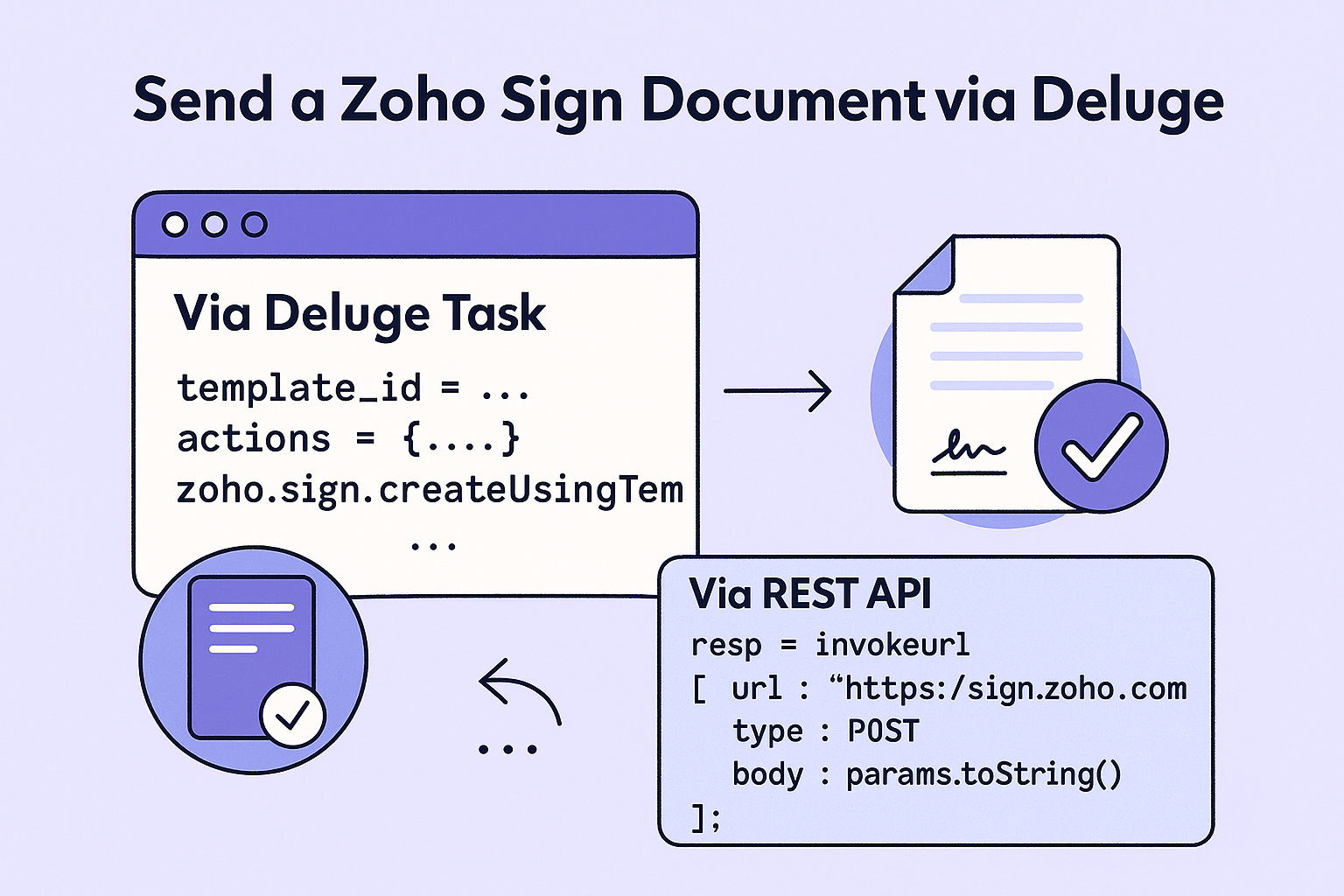
Two reliable ways to send documents for e-signature from CRM: (1) a Deluge task that uses your Zoho Sign connection, and (2) a raw REST call with invokeurl for full control. Both patterns include null-safety and basic error handling.
Use Deluge Task when…
- You’re sending from a known template and fields/roles are fixed.
- You want simple, readable code with fewer moving parts.
- Auth is already handled via a Connection in CRM/Creator.
Use invokeurl (REST) when…
- You need endpoints/flags not exposed by a task.
- You want custom headers, webhooks, reminders, or advanced recipients.
- You’re troubleshooting requests with raw payloads/logs.
Pattern A — Deluge task (template-based send)
Fill recipients/roles and send directly from a Zoho Sign template.
// ====== Inputs (from CRM Deal/Contact etc.) ======
recId         = input.recordId;
primaryEmail  = ifnull(input.Primary_Email, "");
primaryName   = ifnull(input.Primary_Name, "");

// Guard against nulls
if (isNull(primaryEmail) || primaryEmail == "")
{
  return {"status":"error","message":"Missing recipient email"};
}

// ====== Template + signer role mapping ======
template_ID = "<YOUR_TEMPLATE_ID>";   // e.g. from Zoho Sign template details
params      = Map();
actions     = List();
signer      = Map();
signer.put("recipient_name", primaryName);
signer.put("recipient_email", primaryEmail);
signer.put("action_type", "SIGN");   // SIGN / APPROVE etc.
signer.put("recipient_role", "Client"); // must match template role
actions.add(signer);

// Optional notes / expiration / reminders
params.put("actions", actions);
params.put("email_remarks", "Please review and sign.");

// ====== Create a request from template (task) ======
// Official Deluge syntax:
// response = zoho.sign.createUsingTemplate(template_ID, params, connection);
resp = zoho.sign.createUsingTemplate(template_ID, params, "zohosign_oauth");

// Basic success check
ok = !isNull(resp) && resp.containsKey("request_id");
info resp;
return if (ok) {"status":"ok","request_id":resp.get("request_id")} else {"status":"error","message":"Failed to create request"};
Tip: Ensure the recipient_role value exactly matches the role name defined in your Zoho Sign template. Mismatches are a common cause of “400 – invalid action/role”.
Pattern B — Raw REST with invokeurl
Use this when you need total control. The example below shows creating a request from a template and quick-sending it to one signer. Replace the host with your DC if needed (sign.zoho.eu,sign.zoho.in, etc.).
// ====== Build request payload ======
tmplId = "<YOUR_TEMPLATE_ID>";
payload = Map();
payload.put("templates", List().add(tmplId));
payload.put("request_name", "Service Agreement");

// Actions (recipients)
actions = List();
a1 = Map();
a1.put("recipient_name", ifnull(input.Primary_Name, ""));
a1.put("recipient_email", ifnull(input.Primary_Email, ""));
a1.put("action_type", "SIGN");
a1.put("recipient_role", "Client"); // must exist in the template
actions.add(a1);
payload.put("actions", actions);

// Quick-send without editing
payload.put("is_quicksend", true);

// Optional: notes, reminders, expire days, etc.
payload.put("email_remarks", "Please sign at your earliest convenience.");

// ====== Send via REST (Zoho Sign v1) ======
resp = invokeurl
[
  url        : "https://sign.zoho.com/api/v1/requests"
  type       : POST
  parameters : payload.toString()
  connection : "zohosign_oauth"  // set up OAuth-based Connection to Zoho Sign
];

// ====== Handle response safely ======
data = ifnull(resp.get("requests"), List());
info resp;
ok   = !isNull(resp) && resp.get("status") == "success";
return if (ok) {"status":"ok","response":resp} else {"status":"error","message":"Send failed","response":resp};
Mapping CRM data to template fields
If your template has fields to pre-fill (text/date/numeric), include a field_text_data map keyed by the field’s api_name. Keep the map small and null-safe.
fieldText = Map();
fieldText.put("Deal_Name", ifnull(input.Deal_Name, ""));
fieldText.put("Client_Company", ifnull(input.Account_Name, ""));

payload.put("field_text_data", fieldText); // attach before the invokeurl call
Error handling & common issues
- Role mismatch:
recipient_rolemust match the template role exactly. - Missing email/name: always
ifnullinputs and stop early if empty. - Wrong DC: use
sign.zoho.eu/.in/.com.auas appropriate. - 429 rate limits: add simple backoff if you send in bulk (sleep between requests).