Centralized Portal Management
Staff manage the onboarding portal directly from Zoho CRM without opening a separate admin system.
A custom administration interface that allows internal teams to control a client onboarding portal directly from Zoho CRM without changing any code.
A custom Zoho CRM administration interface that allows internal teams to configure client portals, manage multiple companies, assign forms and document requests, control electronic signature requirements, and monitor onboarding progress without changing code.
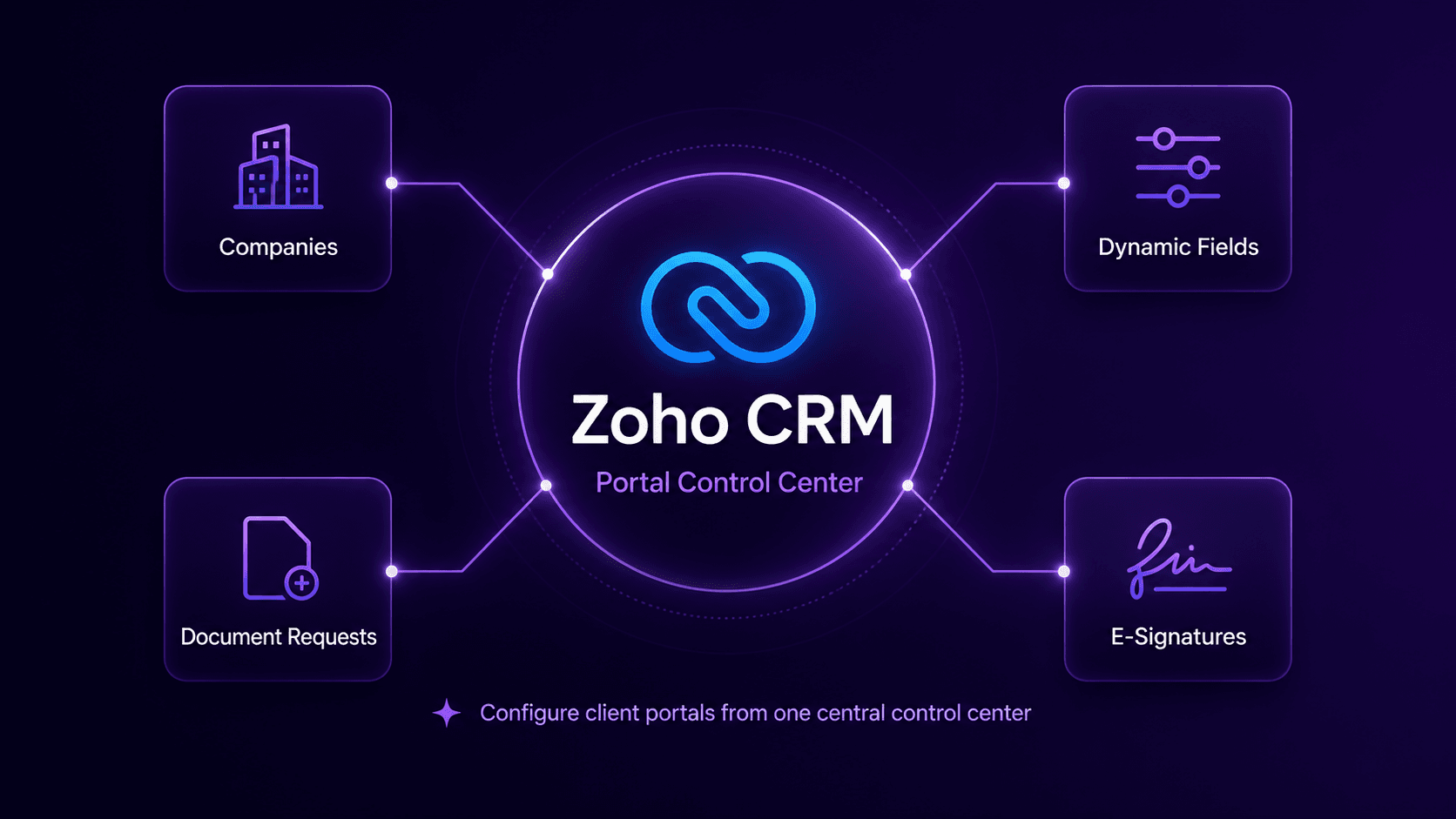
A US-based payroll services provider had a custom onboarding portal for collecting client information, documents, and electronic signatures. Every client had different onboarding requirements, so the internal team needed a way to configure each portal experience without editing source code or contacting a developer for routine changes.
I created a custom administration and control center inside Zoho CRM that gives the internal team complete control over what each client sees in the onboarding portal.
I developed a custom Zoho CRM widget that works as the administration layer for the client onboarding portal. The widget opens directly from the client's CRM record and displays the complete portal configuration in one organized interface.
Internal staff can choose which companies appear in the portal, which forms and fields are required, which documents must be uploaded, and which agreements must be signed. When the configuration is saved, the client portal automatically loads the latest setup.
Staff manage the onboarding portal directly from Zoho CRM without opening a separate admin system.
Each client can have one or several companies, each with its own requirements and status.
Fields can be visible, hidden, required, optional, shared, company-specific, or pre-filled from CRM.
Internal users choose the documents each client or company must upload during onboarding.
Agreements can be assigned as required signing steps inside the client portal.
CRM users can see completed information, missing fields, uploaded files, pending documents, and signatures.
Saved client drafts remain visible to the internal team so they can assist without asking for repeated data.
The widget updates only the selected client's portal settings while preserving unrelated configuration.
The final result is a complete portal administration system built directly inside Zoho CRM. The internal team can configure and monitor a complex client onboarding process through one easy-to-use interface.
This transformed Zoho CRM from a record-management system into the central control center for the entire client onboarding platform.
I build custom Zoho CRM interfaces that help internal teams manage complex processes, client portals, documents, approvals, and business requirements from one simple control center.