Multi-Company Payroll Client Onboarding Platform
A secure onboarding portal that helps payroll service providers collect company information, documents, forms, and electronic signatures in one organized process.
A secure client onboarding portal connected to Zoho CRM that allows customers to add multiple companies, complete dynamic forms, upload documents, sign agreements, save drafts, and track their onboarding progress.
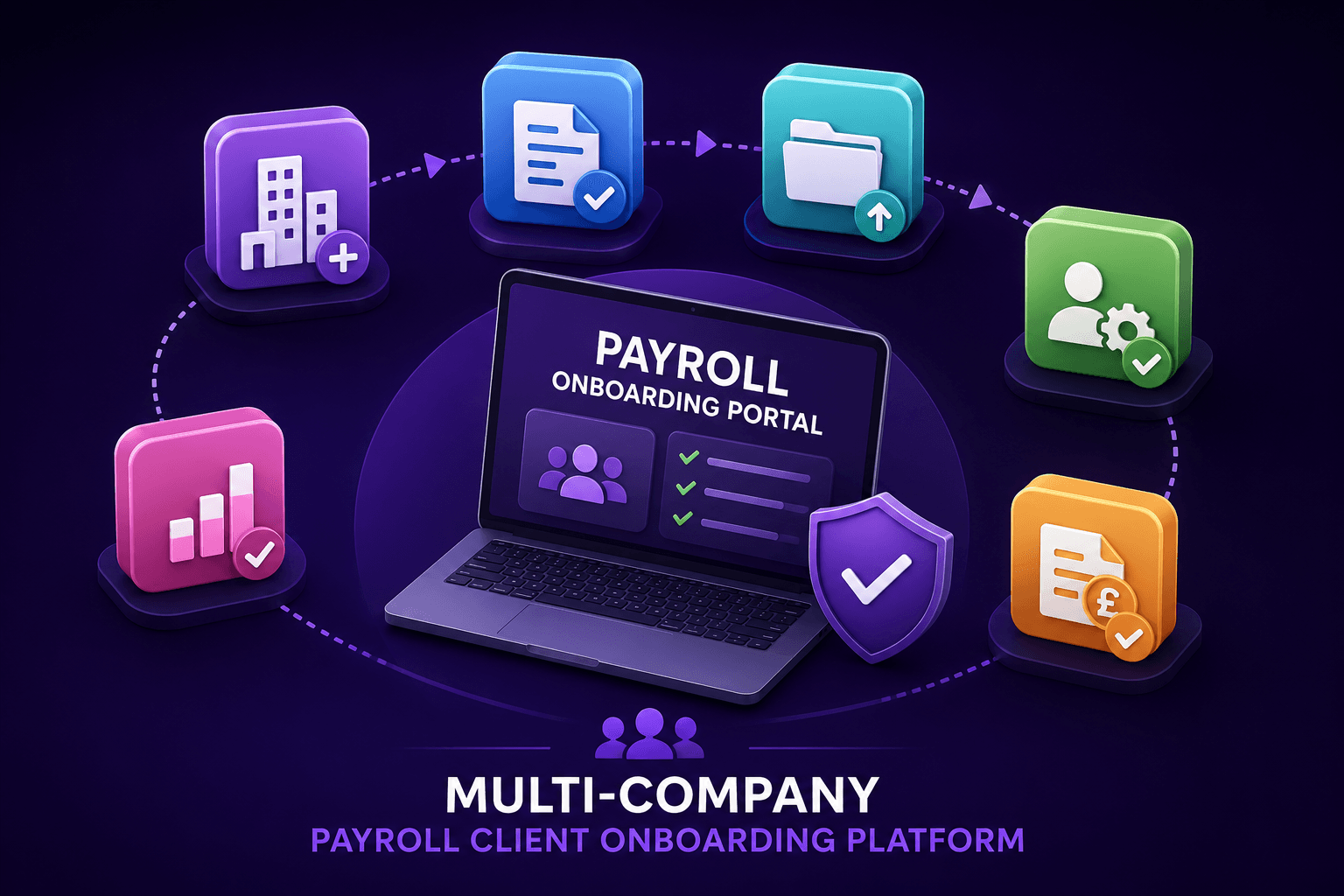
- Personalized secure access links for each onboarding client
- Multi-company onboarding with company-specific forms, documents, agreements, and completion status
- Real-time Zoho CRM synchronization for internal review, progress tracking, and administration
Technologies Used
- Zoho CRM
- Zoho Catalyst
- Zoho Sign
- Zoho CRM Widgets
- JavaScript
- HTML
- CSS
- REST APIs
- OAuth 2.0
- JSON configuration
- Cloud file storage
- Custom API integrations
Project Overview
The client needed a better way to onboard new payroll customers. Their process required clients to provide a large amount of information, submit documents, complete forms, and sign agreements. Some clients also needed to onboard several companies within the same application.
A standard online form was not suitable because every client could have different requirements, different companies, different documents, and different agreements. I built a custom onboarding platform that creates a personalized onboarding experience for every client.
The Challenge
- Clients could have one company or multiple companies.
- Each company could require different information and different documents.
- Clients needed to save their progress and continue later.
- Internal staff needed to see the client's progress in Zoho CRM.
- Agreements needed to be reviewed and electronically signed.
- The portal needed to stay simple enough for clients to complete without support.
- Information needed to stay synchronized between the portal and Zoho CRM.
The Solution
I developed a secure web portal that guides clients through the complete onboarding process. Each client receives a secure access link that opens their personalized onboarding workspace.
Inside the portal, clients can manage their companies, complete required information, upload documents, review agreements, sign documents, save drafts, and submit their onboarding package. The portal communicates with Zoho CRM through secure APIs so information entered by the client is immediately available to the internal team.
Key Features
Secure Client Access
Clients access the portal through a secure personalized link. Each client can only access their own onboarding information and documents.
Multi-Company Onboarding
Clients can add and manage multiple companies within the same onboarding application. Each company has its own company information, payroll information, required forms, required documents, electronic signature documents, and completion status.
Dynamic Forms
The portal displays different fields and sections depending on the client's onboarding requirements. Fields can be required or optional, visible or hidden, shared across companies, or specific to one company.
Save and Continue Later
Clients can save their onboarding progress as a draft. When they return, the portal restores their previously entered information, uploaded documents, and completion progress.
Document Upload Management
Clients can upload required documents directly from the portal. Documents are securely stored and connected to the correct client and company record, with clear file names for internal review.
Electronic Signatures
Clients can review and electronically sign required agreements as part of the onboarding process. The portal tracks which agreements are completed and which are still pending.
Progress Tracking
The portal shows clear progress counters for completed form fields, uploaded documents, signed agreements, and overall onboarding progress.
Zoho CRM Synchronization
All onboarding information is synchronized with Zoho CRM so internal staff can review client information, company information, draft progress, uploaded documents, signature status, and submission status without manual data entry.
Internal Administration
The portal is supported by an internal administration system inside Zoho CRM. The internal team can configure what each client sees without editing the portal code.
- Which companies are included
- Which fields are displayed or mandatory
- Which documents must be uploaded
- Which agreements must be signed
- Company-specific onboarding requirements
- Client progress and draft information
My Role
- Designed the system architecture and onboarding flow.
- Developed the client portal and responsive interface.
- Built the Zoho CRM integration and secure API connections.
- Created the internal CRM control panel.
- Implemented multi-company support, document uploads, e-signatures, draft saving, validation, and progress tracking.
- Tested the complete onboarding journey across desktop and mobile.
Business Benefits
- Reduced manual data entry and back-and-forth emails.
- Kept forms, documents, and signatures centralized.
- Gave clients a clear onboarding experience with real-time progress.
- Supported clients with multiple companies in one application.
- Gave internal staff real-time visibility in Zoho CRM.
- Created a reusable onboarding process for different client scenarios.
- Improved data accuracy and reduced onboarding delays.
Project Result
The final result is a complete onboarding system that connects the external client experience with the company's internal CRM operations. Clients can complete the entire onboarding process through one secure portal, while internal staff can manage requirements and monitor progress directly from Zoho CRM.
The system transformed a complex onboarding process into a clear, trackable, and scalable digital workflow.